Swaggerfall
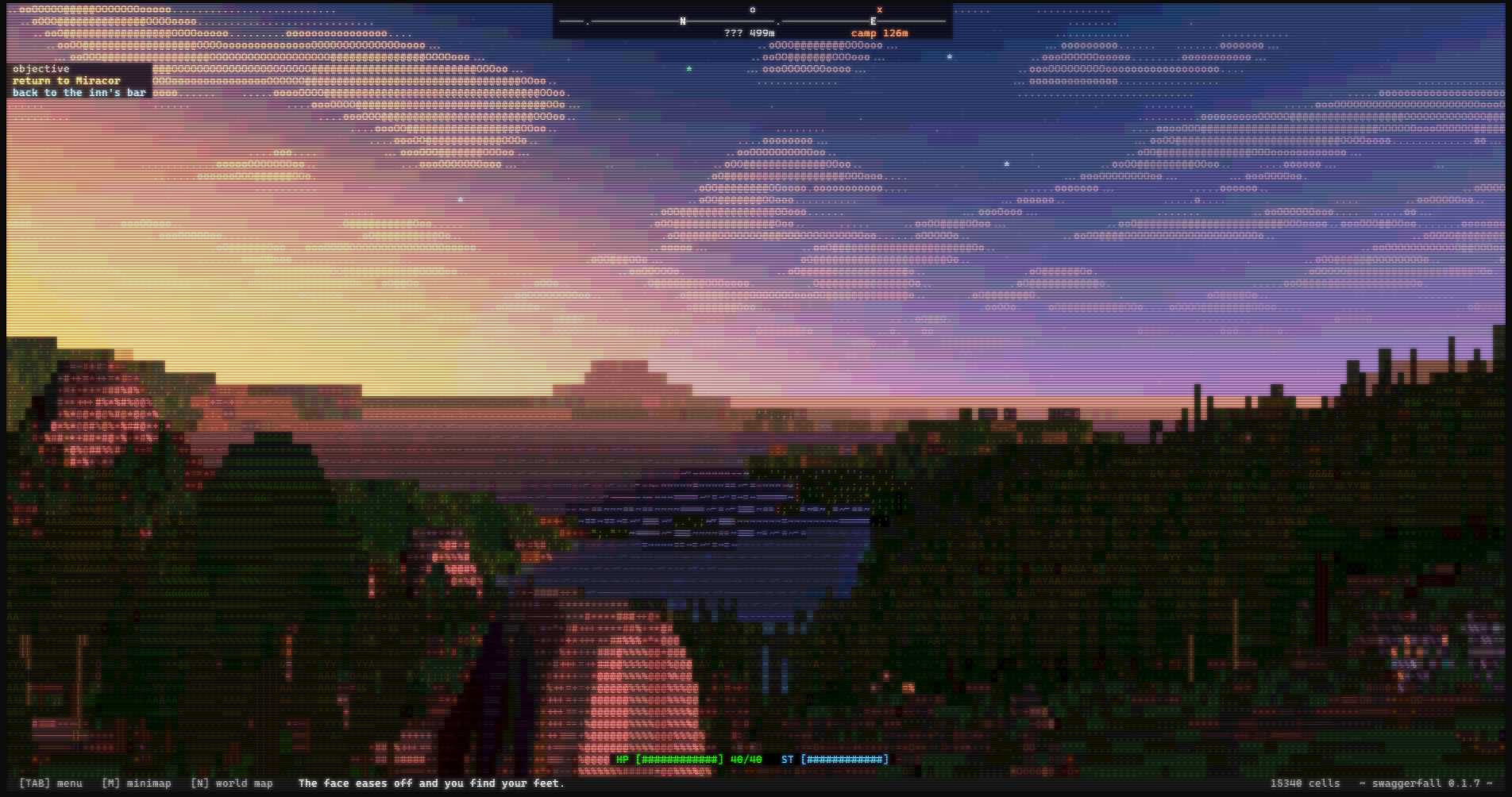
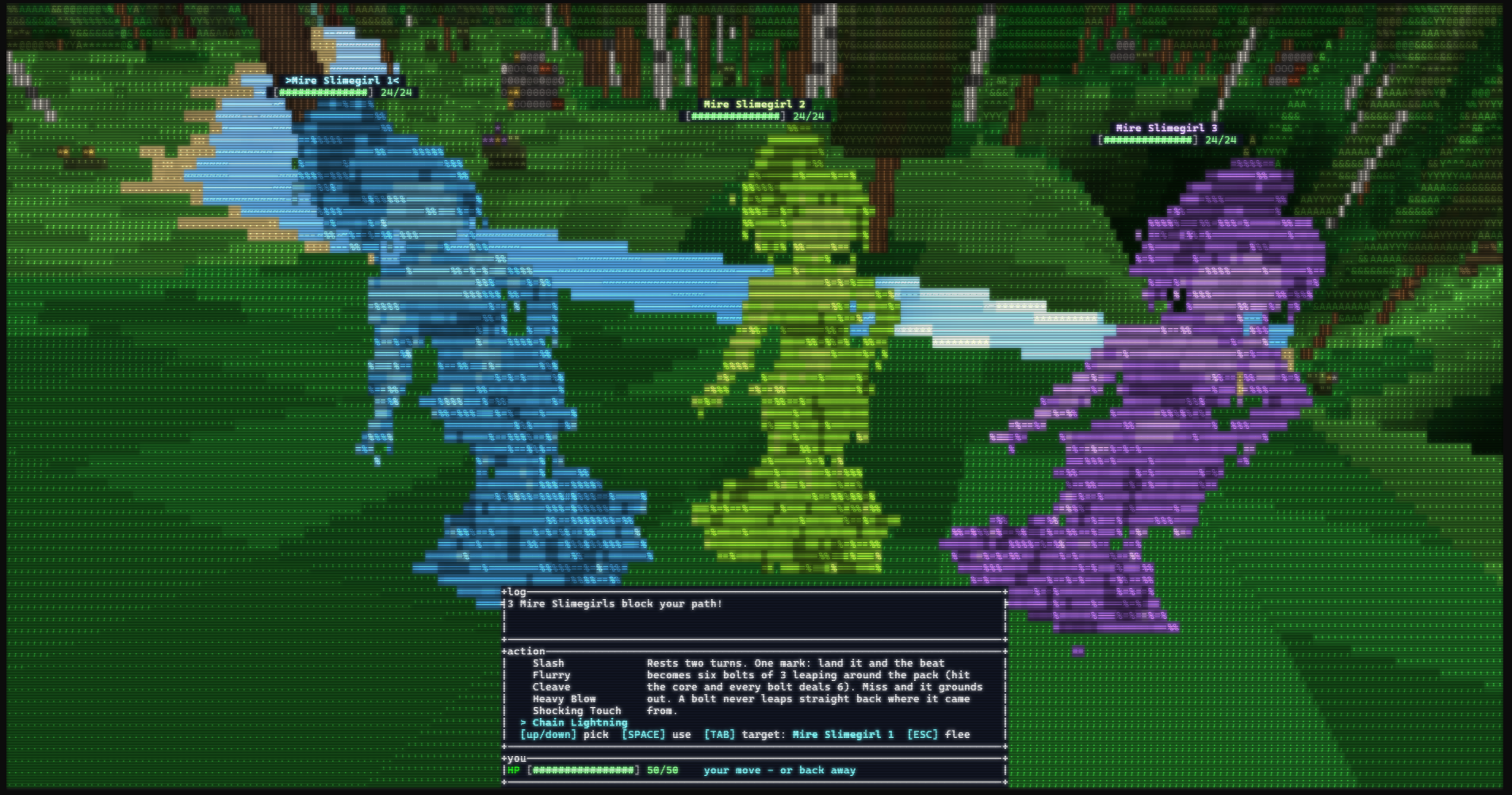
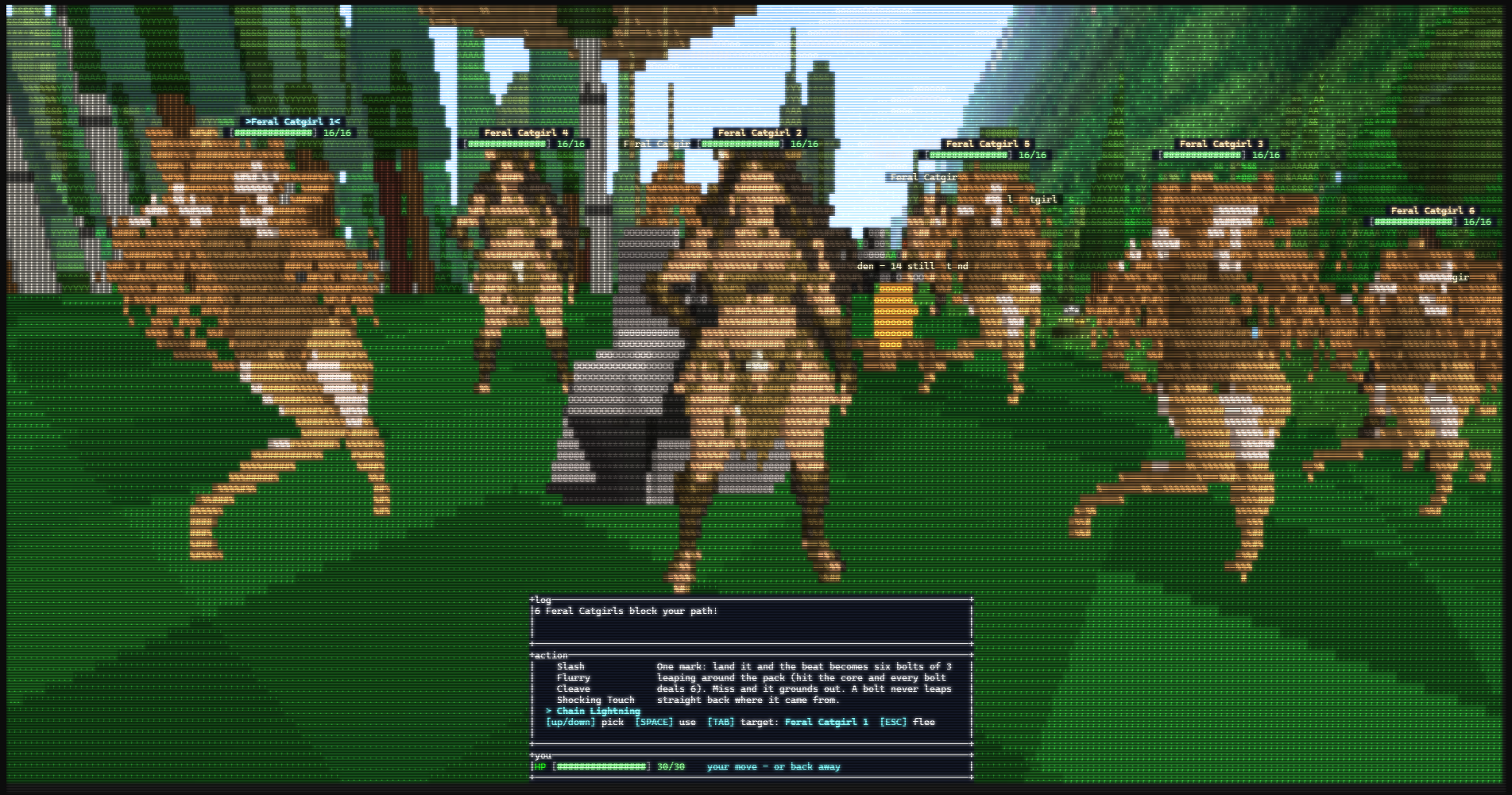
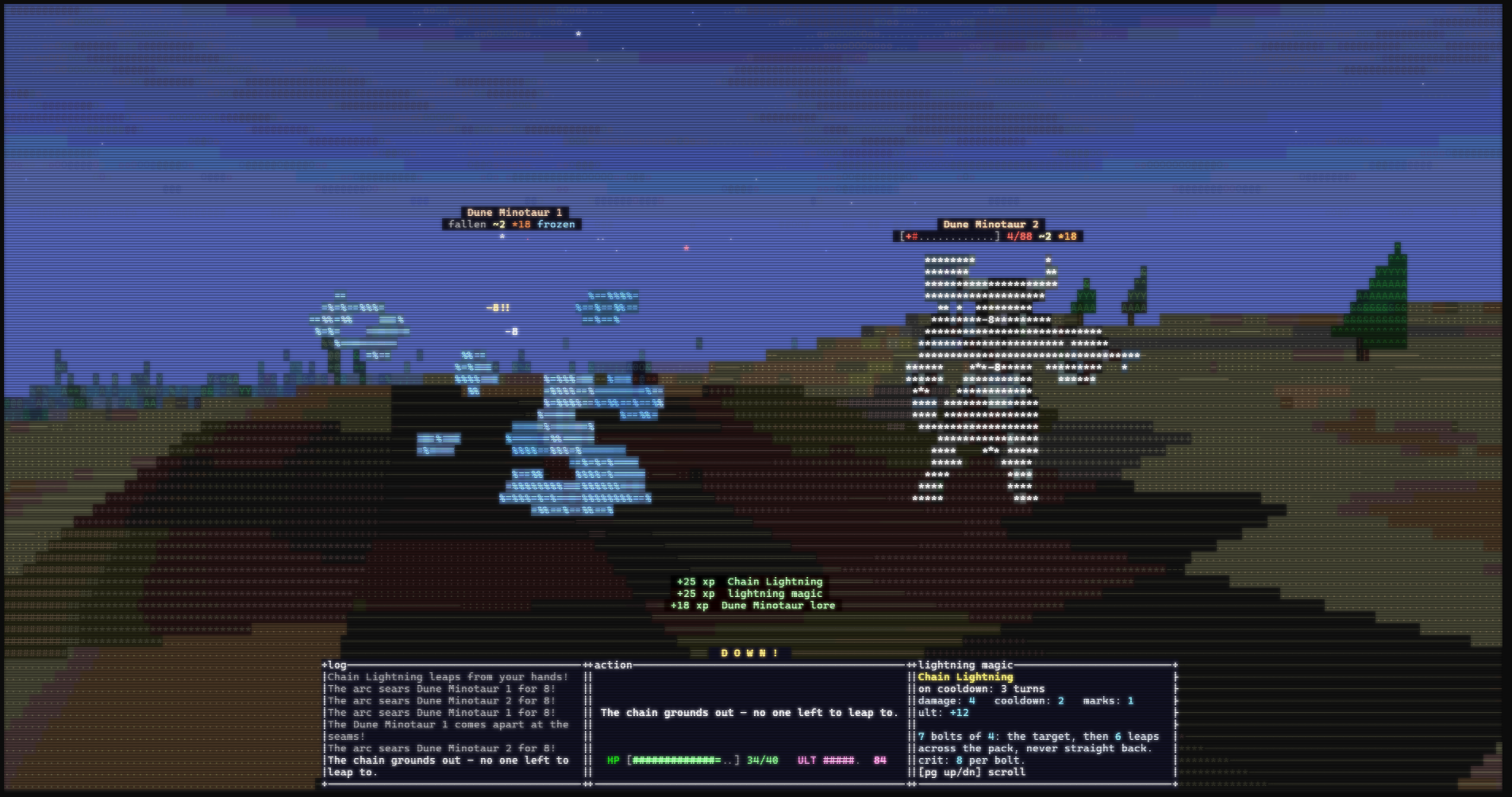
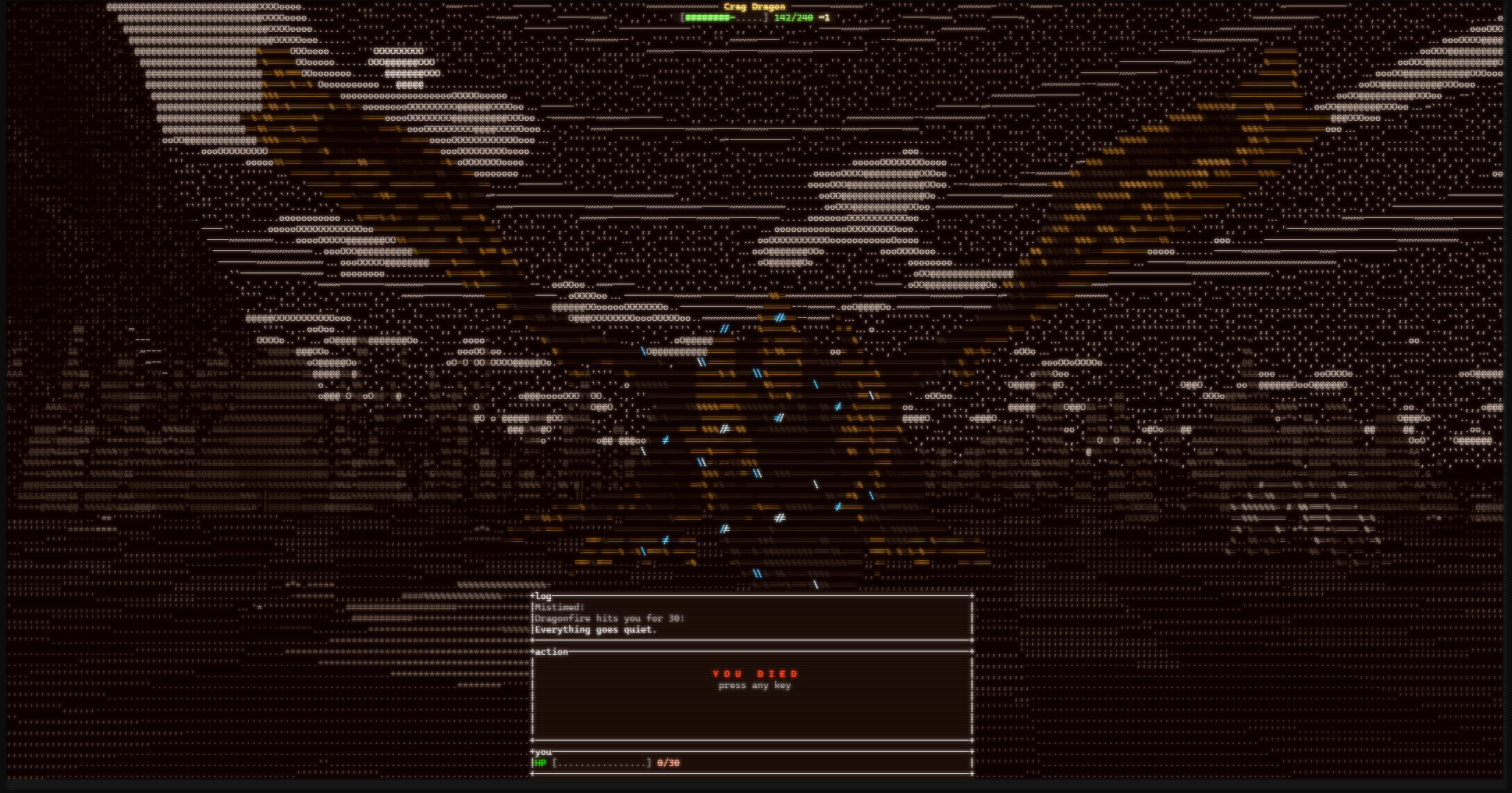
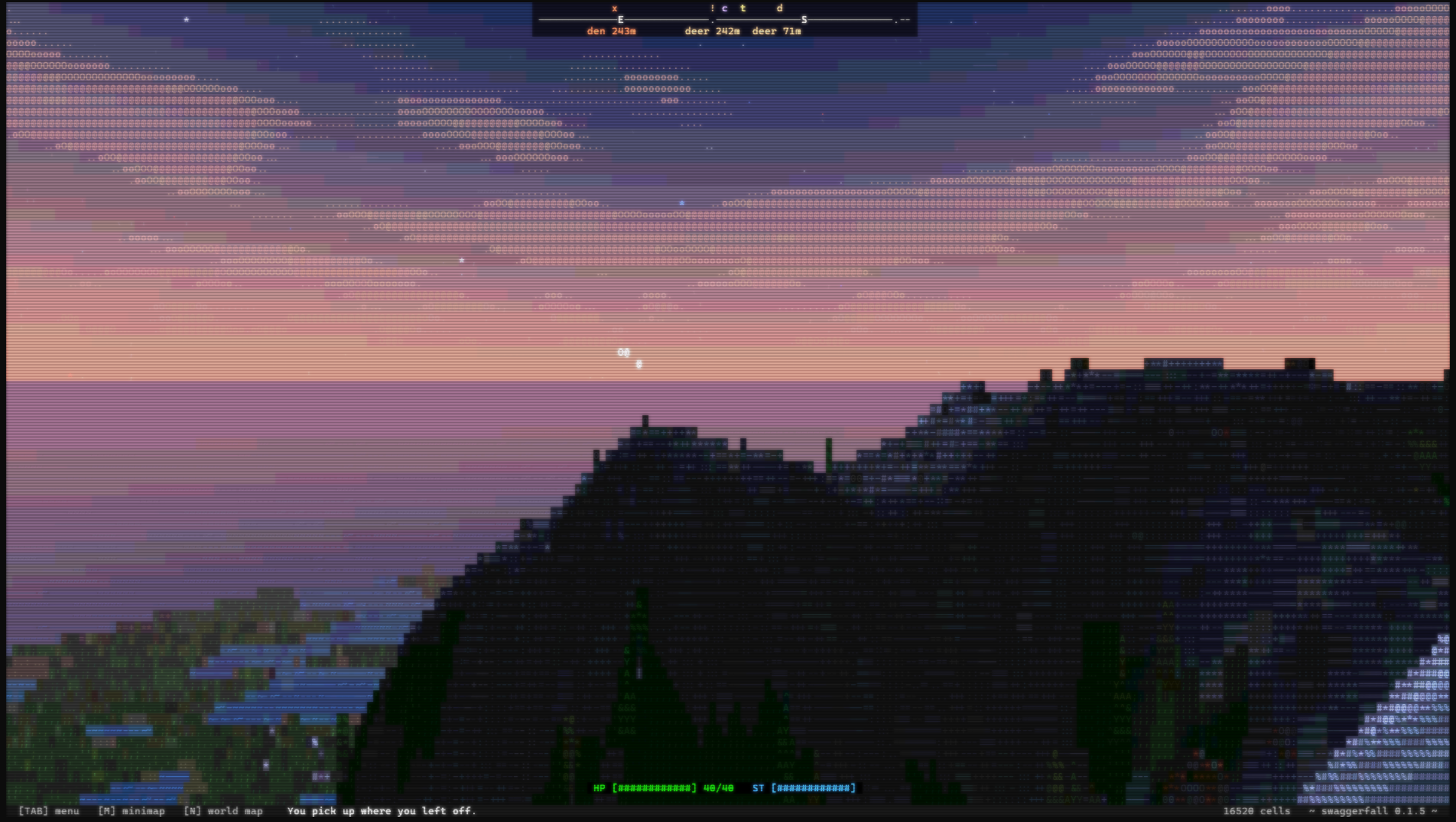
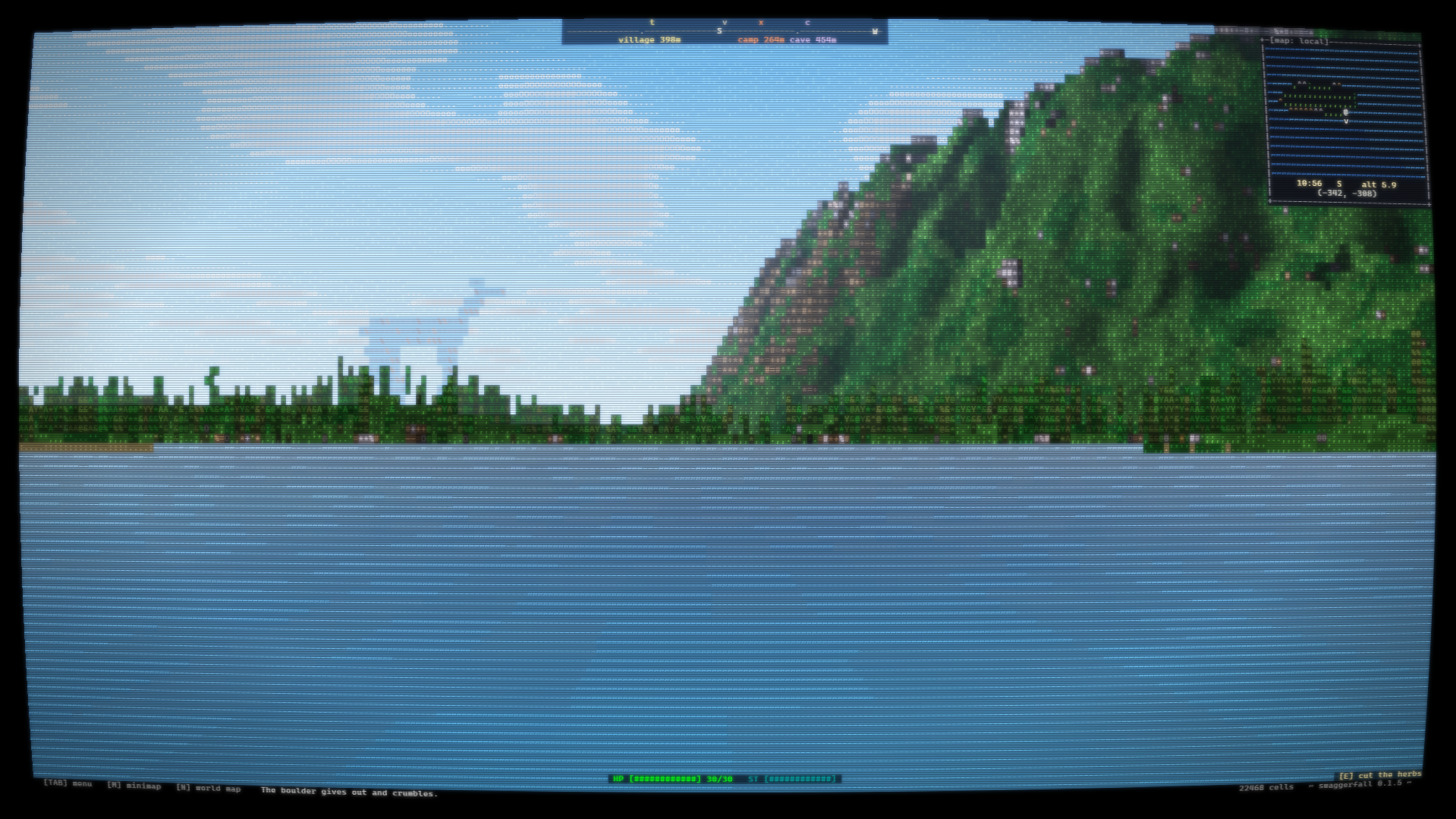
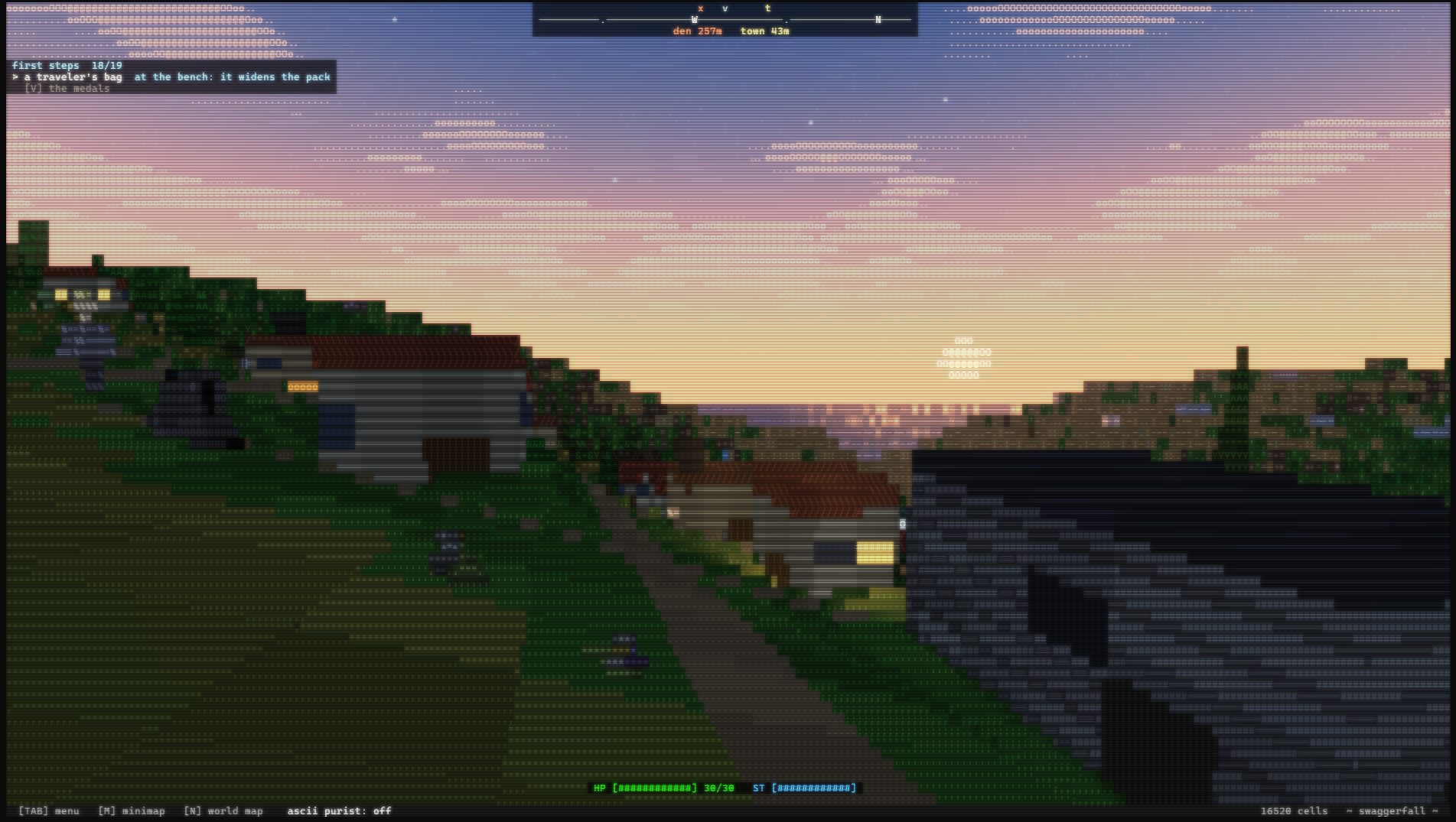
Swaggerfall is a first-person open world fantasy RPG that plays in the terminal. The graphics are ascii based and limited to what the command line offers (luckily this includes background colors for text glyphs).
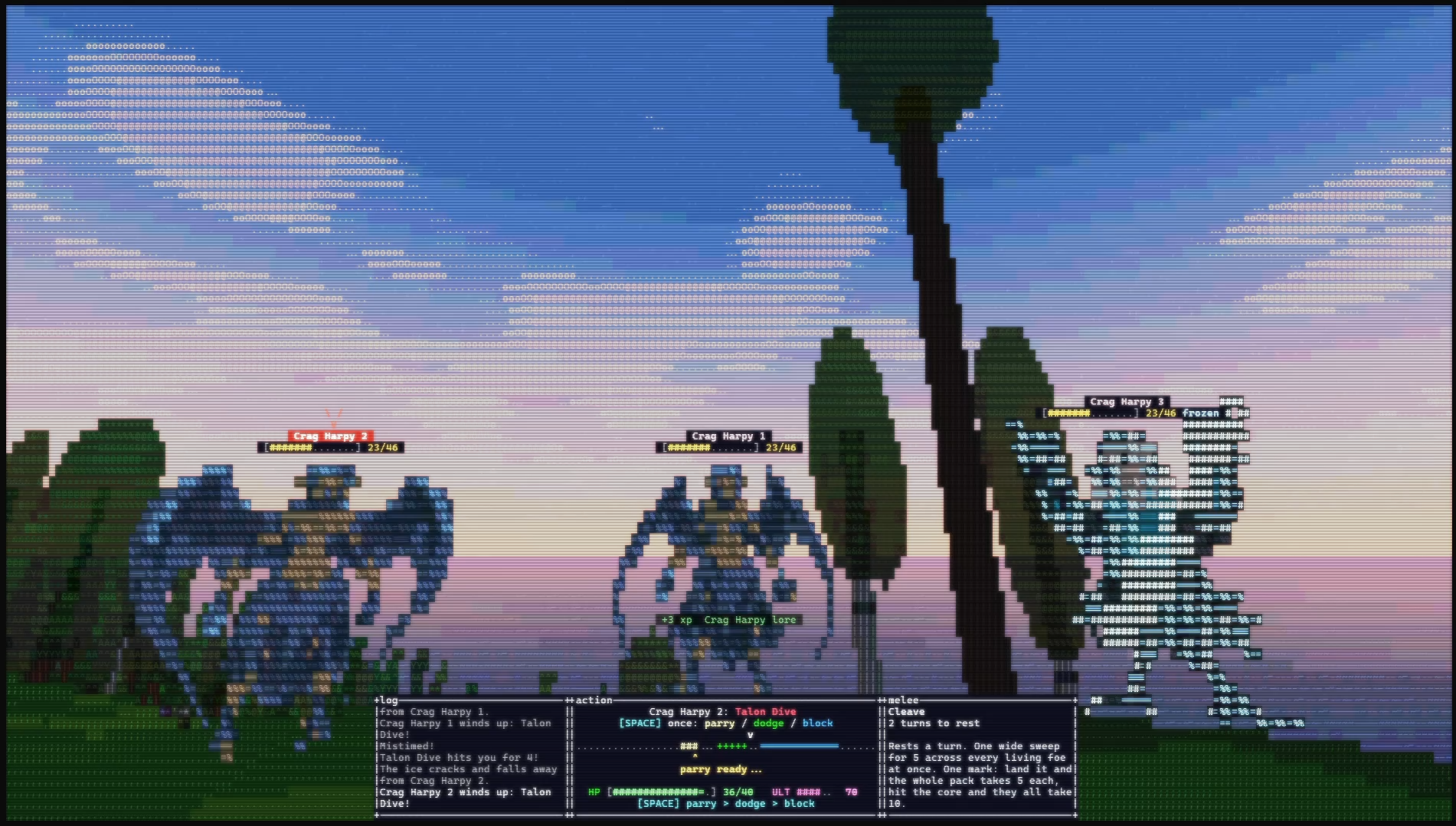
Despite the retro look and procedural generation à la Daggerfall, the game draws a lot of inspiration from modern games like Skyrim (UX) and Expedition 33 (turn based combat with quick time events).
You only need a handful of keys to control the game. The E key alone has dozens of meanings based on the current context. TAB brings up an action menu that lets you enter all screens the game has to offer, and also lists their keybinds (if you're more the piano type).
Every action grants xp: Sprinting, Jumping, Climbing, Mining, Smelting, Cooking... even Eating. Fighting enemies will not only grant xp in the skills you use, but will also teach you more about the enemy race, which makes combat easier and opens up more interactions (e.g. if you fought enough of an enemy type, you can tell them to leave you alone).
Become a parcour master. The game has modern features like coyote time to make sure you never fall from a building prematurely when you meant to jump. Becoming more proficient at jumping, you get more and more ledge grab tolerance. So even if your jump comes in two pixels short from a roof, you'll grab onto it and continue your run.
Be the source of rumors. As you act in the world, rumors spread through the world at a fixed speed. "Did you hear about the stranger who slayed an army of minotaurs? Some say it was just a group of catgirls."
Explore the infinite world. The world is infinite, created on the fly by mathematical formulas. The story takes places within a 20x20 km area, but you can go out much further if you want to.
Written in Rust & Ratatui. Ratatui is an amazing terminal library that lets me create sleek UIs in high level code that gets translated and compiled into various backends, including Windows/Linux terminals and a web export.
Controls
Essential controls:
- WASD to move
- Arrows to look
- Space to Jump
- E to interact (chopping, mining, talking, hunting)
- R to eat/drink
- Tab to open action menu (from there you can access all other menus)
In combat:
- Space for quick time events (hit, parry, dodge)
- C for shadow counter (when the bar is purple)
Obvious but important:
- Enter/Space/E to pick menu options
- ESC to open pause/settings menu
- ESC to close menus
Performance Tips
If the game runs laggy, decrease the "terrain render" setting first. You can also increase font size and lower LOD levels.
If the game becomes sluggish over time, closing and reopening helps. There is no memory leak, but something causes the game to slow down over time. You can monitor your frame times with the F1 performance display.
Tips for running on Windows
Please get Windows Terminal, it improves the performance by an order of magnitude. Also, Windows terminal has a "retro terminal effects" setting that I use in my screenshots to get the nice retro look.
For the optimal control about your terminal settings, launch Windows Terminal, open your favorite shell (I recommend PowerShell), then run the .exe from there. For example "C:\Users\Bob\Downloads\swaggerfall-windows-0.1.11\swaggerfall.exe" (Replace the username portion and the version string as needed)
Change the font size with CTRL and +/-.
I recommend a font size that results in around 15000 text cells (displayed in the bottom right). A sweet spot where you can actually see things but the text is still big enough to read easily.
Tips for running on Linux
On builtin terminals (e.g. Ubuntu Gnome Terminal) the controls do not work correctly (wasn't able to solve that yet). So far I had the best results with the kitty terminal.
In kitty, you change the fontsize with CTRL and SHIFT and +/-
Swaggerfall has an inbuilt brightness setting. On terminals without special shaders, I recommend bumping the brightness level by 1-2 notches.
Pricing
Buying Swaggerfall here will give you access to the Windows, Linux and Web builds, as well as all future builds. The embedded web build is free to play, but it doesn't give you the "true" terminal experience. You can show your support for the project by buying and/or playing it during the Open Alpha. You can also pay more than the minimum price, if that's your jam.
State: Open Alpha
At the current state the game is a vertical slice of functionality. The specific enemy types, skill lines, world generation, dialogue, difficulty balancing and quests are all bound to change. Save compatibility with future versions is not guaranteed at this stage. There may be gamebreaking bugs and lots of small glitches.
Timeline: I expect to work for another 2-3 months until the game could go into Beta state and potentially an early access on Steam. For a full release, I would expect to work on it for one year.
What the Alpha contains
The alpha contains an infinite world with decent procedural generation. So far there are highlands and lowlands, mountain ranges, forest and desert biome. There are large cities, towns and villages. All contract work is taken from an innkeeper. You can level up combat abilities. You can encounter chaos zones (wyrdness) in the world that boosts enemy stats further, the more you have travelled from the center of the map.
Known Issues and Todos
My internal list has hundreds of items and grows more than it shrinks, but here are some of the most important and interesting ones:
- the writing, both in dialogue as well as descriptions, tooltips, quests etc needs to be overhauled. Currently it's a major slop-fest. The writing is not a big priority during the Alpha phase (since it's not related to fundamental building blocks), but I will improve it by hand, step by step
- web version: background music occasionally restarts for no reason
- linux version: inputs do not work correctly in several linux terminals (including the standard one from Ubuntu). Use kitty for the best experience - though even there, the controls aren't as snappy as on Windows and web.
- some combat sounds still use procedurally generated blips. Especially in ultimates it sounds pathetic. All skills should have proper sound effects (sometimes hard to find something fitting)
- the feedback on crit and parry (perfect QTE) is not always clear enough
- QTEs sometimes fail even though they appear to have landed perfectly. May be related to groups of enemies with different timings, or an in-battle levelup that changes the QTE windows behind the scenes
- shadow strikes have to be countered with C instead of Space. The game only gives this information during the attack, and the situation is too hectic for new players to understand what's going on. The game should specifically inform about pressing C to counter a shadow strike, ideally in a little paused example fight.
- proficiencies screen is overloaded with too much info
- needs more enemy types
- add fishing
- add thieving (lockpicking, pickpocketing, entering homes, crime & punishment)
- main quest is very short and generic. Need some worldbuilding (the thing novelists do) so I can ground a real story inside of it
Purchase
In order to download this game you must purchase it at or above the minimum price of $5 USD. You will get access to the following files:
Development log
- Swaggerfall alpha release (0.1.10)19 hours ago
- 0.1.1119 hours ago